
Telegram for OnlyFans Creators: A Safe Fan Community Playbook
Learn how OnlyFans creators can use Telegram for official fan updates, retention, onboarding, and community management without building around leaks or risky payment flows.
OnlyFans creators already live in a world where attention is fragmented. Fans discover you on one platform, subscribe on another, message somewhere else, and forget to renew if the relationship goes quiet.
Telegram can help because it is direct, fast, and community-friendly. But the safe version is not a leak channel, a payment workaround, or a place to ignore platform rules. The durable approach is simpler: use Telegram as the official fan relationship layer around your creator business.
Metricgram is not affiliated with OnlyFans. This guide is about community operations, not adult-content payment processing.
Live directory
Browse Metricgram's curated Telegram directory to find active communities by category and language, and see how leading groups position their listings.
Open directoryWhy Telegram fits creator businesses
Telegram gives creators a few practical advantages:
- fans get direct updates without a social algorithm deciding reach;
- channels and groups are easy to share from a link in bio;
- private communities can feel closer than public social feeds;
- automation can answer repeated questions without constant manual replies;
- invite links can show which promo sources bring engaged fans.
That makes Telegram useful for fan retention. It is less about replacing your creator platform and more about keeping the people who already care close enough to come back.
Start with an official fan hub
Your first Telegram space should be boringly clear. Fans should know it is official, what it is for, what they can expect, and where important links live.
A good setup includes:
- a public channel for updates, teasers, and announcements;
- a private group if you want discussion, polls, or community energy;
- a welcome message with official links and safety rules;
- a pinned message explaining boundaries and support paths;
- trackable invite links for each traffic source.
If you are not sure whether to use a group or channel, start with a channel. Channels are easier to manage because only admins post. Add a group later when you have the time and moderation plan to handle conversation.
Ready to improve your Telegram group? Start your 14-day Metricgram trial.
Start free trialUse Telegram for retention, not chaos
The most common mistake is opening a fan group and hoping it magically creates loyalty. It usually does the opposite. Without a rhythm, fans go quiet. Without rules, the chat becomes messy. Without analytics, you cannot tell what is working.
Instead, build a simple retention loop:
- Share a clear official Telegram link from your bio page and social posts.
- Welcome fans automatically with expectations, links, and boundaries.
- Schedule regular updates so the space never looks abandoned.
- Use auto-replies for repeated questions.
- Review engagement and invite-source data weekly.
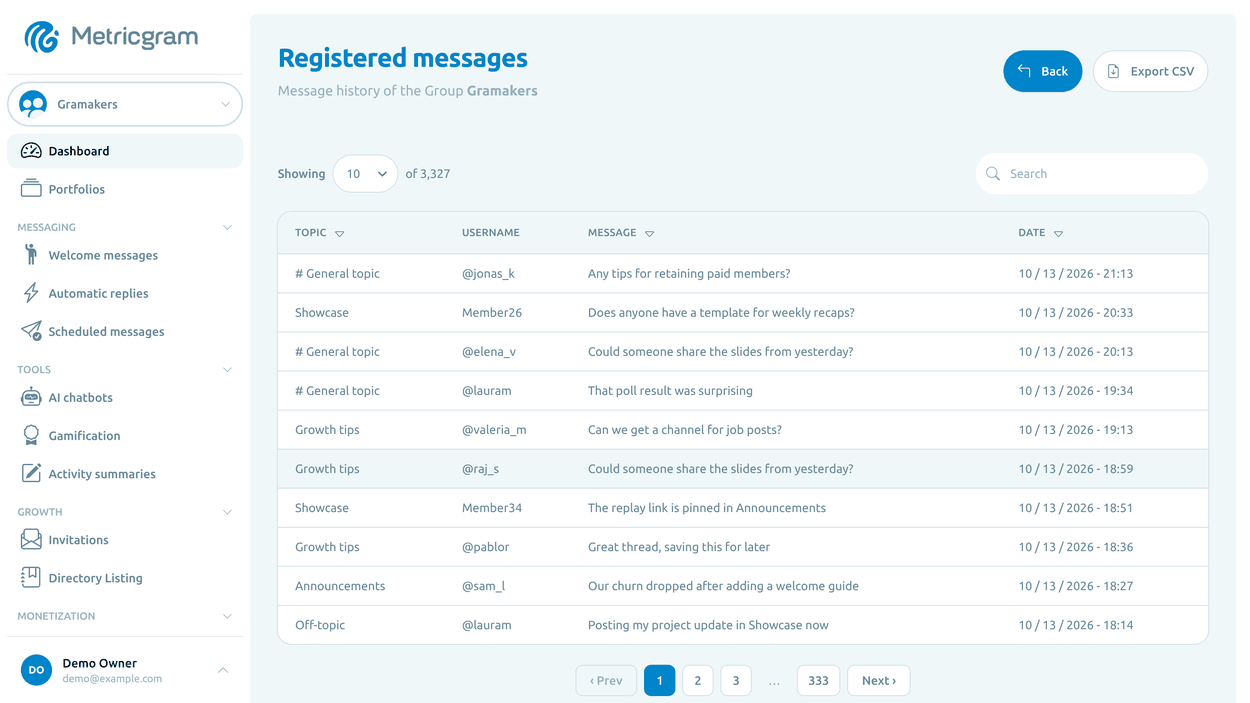
This is where scheduled messages, automatic replies, invite tracking, and the Creator Fan CRM fit together.
Track where fans come from
Creators often promote across Reddit, X, Instagram, TikTok, link pages, newsletters, and collaborations. If every link points to the same Telegram invite, you lose the source data.
Create separate invite links for:
- Reddit profile or subreddit posts;
- X/Twitter bio;
- Instagram bio;
- TikTok bio;
- newsletter campaigns;
- S4S or creator collaborations;
- paid promo placements.
Then compare joins with actual activity after joining. A source that brings fewer fans can still be better if those fans read, react, and renew.
Keep compliance boring
This part matters. Do not use Telegram as a place to distribute stolen content, repost leaked media, evade age or consent rules, or bypass payment/provider policies. Payment processors and creator platforms have their own rules, and some payment providers prohibit adult content or services.
Use Telegram to manage the community layer: updates, onboarding, reminders, safety guidance, support routing, engagement, and analytics. Keep content distribution and payments on rails that are allowed for your exact business model.
A simple weekly operating rhythm
Here is a practical rhythm for a solo creator:
- Monday: schedule the week's Telegram posts.
- Tuesday: share one community prompt or poll.
- Wednesday: review invite-source performance.
- Thursday: post a reminder or teaser.
- Friday: check quiet fans and top contributors.
- Weekend: update pinned links, rules, and FAQs if anything changed.
For larger creator teams or agencies, turn this into a roster review. Each creator should have a clear posting rhythm, source tracking, and a dashboard that shows whether the Telegram audience is active or cooling down.
Where Metricgram helps
Metricgram helps creators and creator teams run Telegram more like a business system:
- welcome messages for official fan onboarding;
- scheduled posts for consistent updates;
- auto-replies for common questions;
- invite tracking for promo attribution;
- dashboards for engagement and growth;
- portfolio-style views for creator teams managing several communities.
If Telegram is where your fans pay attention, it deserves better than manual posting and guesswork. Treat it as the relationship layer, keep compliance clean, and use data to understand which fans are actually coming back.
Ready to manage your Telegram group with Metricgram?
Automate tasks, track analytics, and grow your community with a 14-day free trial. No credit card required.
Start free trialGet weekly Telegram community tips
Join community managers who receive our best tips, guides, and product updates.
You may also like
Telegram For Educators: How To Run Cohorts, Student Communities, And Office Hours Without Replacing Your LMS
Telegram is a strong fit for educators when it is used as the live layer around a course or training business. This guide explains how to use it for cohorts, student communities, office hours, and support without turning it into a substitute for your LMS.
Telegram MCP Server: Give AI Agents the Full Telegram Bot API, Safely
What a Telegram MCP server is, why wrapping the Telegram Bot API for AI agents is harder than it looks, and how Metricgram exposes 70+ Bot API methods as secure, group-scoped MCP tools.