
Kiwify + Telegram for Buyers and Subscribers
Deliver a private Telegram group with your Kiwify products. Paste one webhook URL into Kiwify, share one join link, and Metricgram invites your buyers by email and follows the access Kiwify reports for every subscriber.
- Buyers keep paying on Kiwify
- Access follows what Kiwify reports
- Refunds, chargebacks and late payments remove access
- Every notification's signature is checked
How it works
Paste one URL into Kiwify
Metricgram gives you a private webhook URL. In Kiwify, create a webhook with it under Apps, Webhooks, choose the products that include the group, and save the webhook token in Metricgram.
Share your join link
Add it to your thank-you page, your purchase confirmation email or your product's members area.
Access follows the subscription
Buyers get their Telegram invitation by email. Kiwify tells Metricgram whether each subscriber still has access and until when, and Metricgram removes them when it ends.
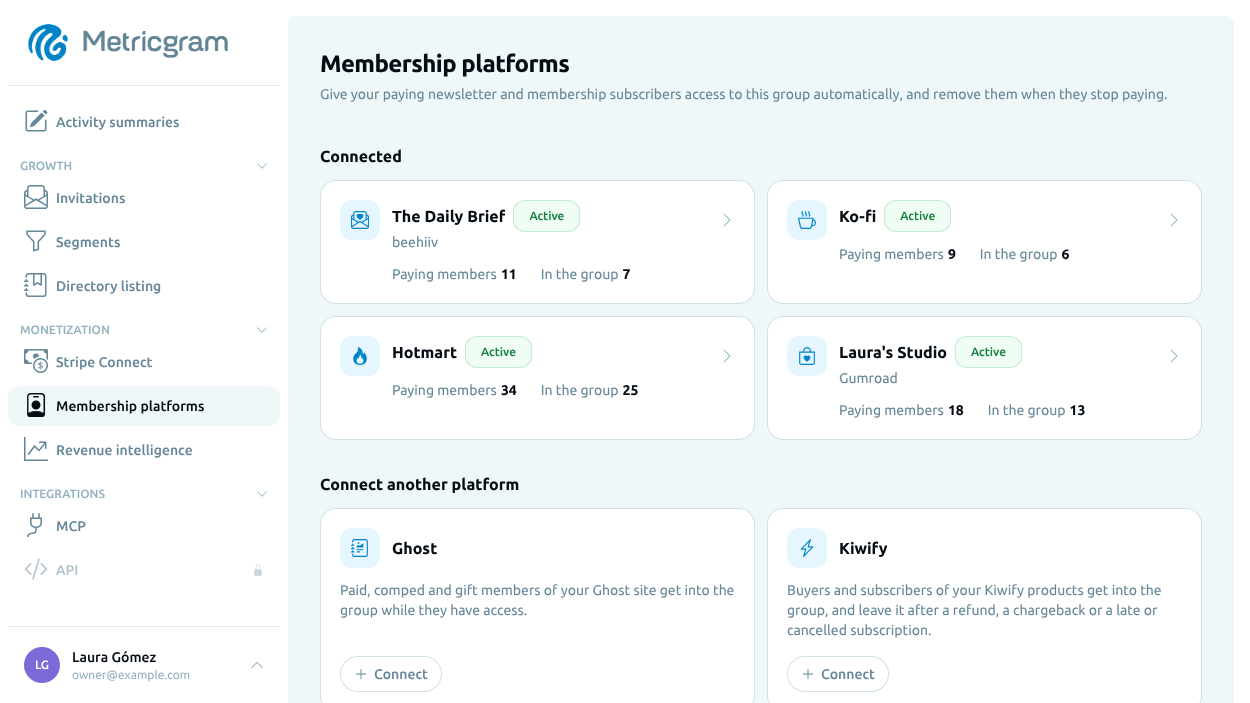
Connect beehiiv, Ghost, Hotmart, Kiwify, Shopify, WooCommerce and more
The Telegram group your buyers expect
The access Kiwify reports
Refunds, chargebacks and late payments
Signed notifications
Metricgram vs. Manual Management
| Metricgram | Manual | |
|---|---|---|
| Keeps your Kiwify checkout as it is | ||
| Invitations sent to the buyer's email | ||
| Removes access after refunds, chargebacks and late payments | ||
| Keeps cancelled subscribers until their paid period ends | ||
| Checks the signature of every notification | ||
| Never removes admins or members who still pay |
Frequently Asked Questions
How do I deliver a Telegram group with a Kiwify product?
Which Kiwify events does Metricgram use?
Do I need Zapier or Make?
Can I connect only some products?
Does Telegram allow this setup?
How much does it cost?
Keep exploring
Find a practical guide, browse active communities or discover more ways to use Metricgram.
Guides
Blog
Read practical playbooks on growth, monetization, moderation, and Telegram community operations.
ExploreCommunity directory
Telegram Communities Directory
Browse active Telegram communities by category, language, and positioning.
ExploreSection hub
Solutions
See every page in this section side by side.
Explore