
Shopify + Telegram for Your Customers
Sell access to a private Telegram group from your Shopify store. Add three webhooks in your Shopify admin, share one join link, and Metricgram invites buyers by email and removes them after a refund or a cancelled order.
- Customers keep buying in your Shopify checkout
- Choose which products include the group
- Access for good or for a set period per purchase
- Refunds and cancelled orders remove access
How it works
Add three webhooks in Shopify
In Shopify admin, Settings, Notifications, Webhooks, add Metricgram's URL for Order payment, Order cancellation and Refund create, then save Shopify's signing key in Metricgram. No app to install.
Share your join link
Add it to the order confirmation email or the thank-you page of the products that include the group.
Access follows the order
Buyers enter the email of their order and get their Telegram invitation. Refunds and cancelled orders remove them from the group.
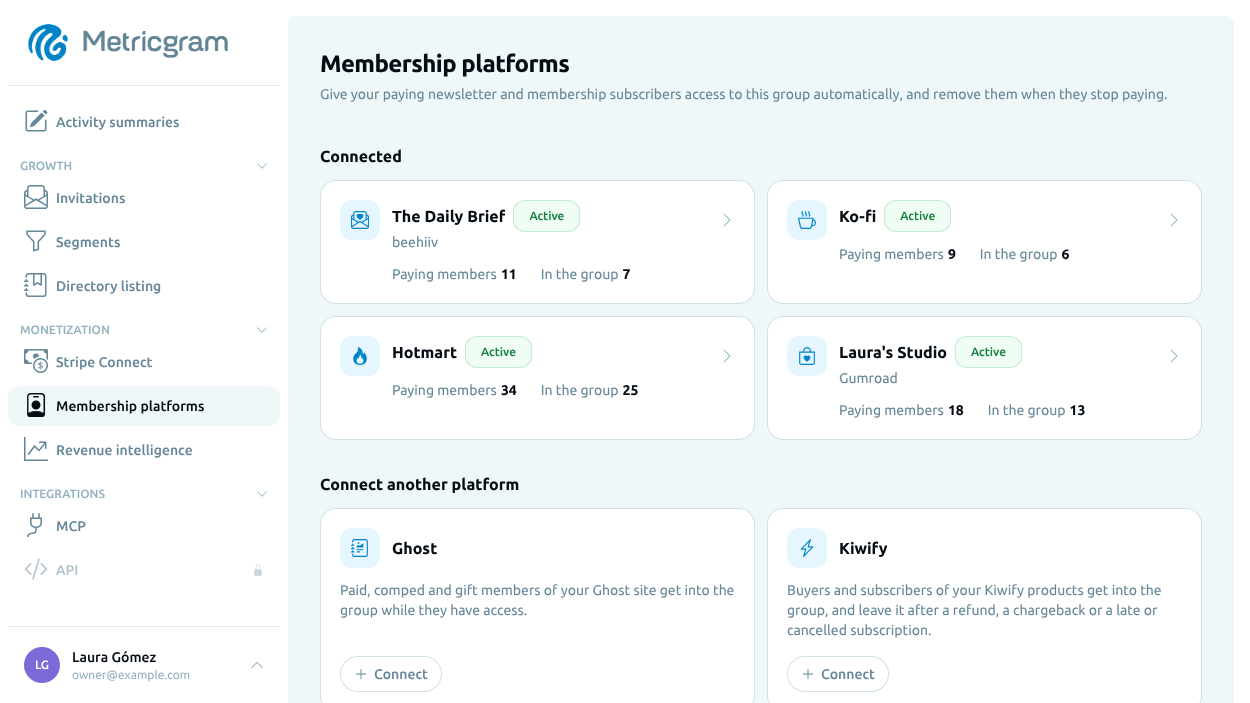
Connect beehiiv, Ghost, Hotmart, Kiwify, Shopify, WooCommerce and more
Stop checking orders by hand
Only the products you choose
One-off purchases and subscriptions
Refunds that make sense
Metricgram vs. Manual Management
| Metricgram | Manual | |
|---|---|---|
| Keeps your Shopify checkout as it is | ||
| Invitations sent to the email of the order | ||
| Only buyers of the chosen products get in | ||
| Removes access after refunds and cancellations | ||
| Works without installing an app | ||
| Never removes admins or members who still pay |
Frequently Asked Questions
How do I give Shopify customers access to a Telegram group?
Do I need to install a Shopify app?
Does it work with subscriptions?
What happens after a refund?
How much does it cost?
Keep exploring
Find a practical guide, browse active communities or discover more ways to use Metricgram.
Guides
Blog
Read practical playbooks on growth, monetization, moderation, and Telegram community operations.
ExploreCommunity directory
Telegram Communities Directory
Browse active Telegram communities by category, language, and positioning.
ExploreSection hub
Solutions
See every page in this section side by side.
Explore