
Telegram For Educators: How To Run Cohorts, Student Communities, And Office Hours Without Replacing Your LMS
Telegram is a strong fit for educators when it is used as the live layer around a course or training business. This guide explains how to use it for cohorts, student communities, office hours, and support without turning it into a substitute for your LMS.
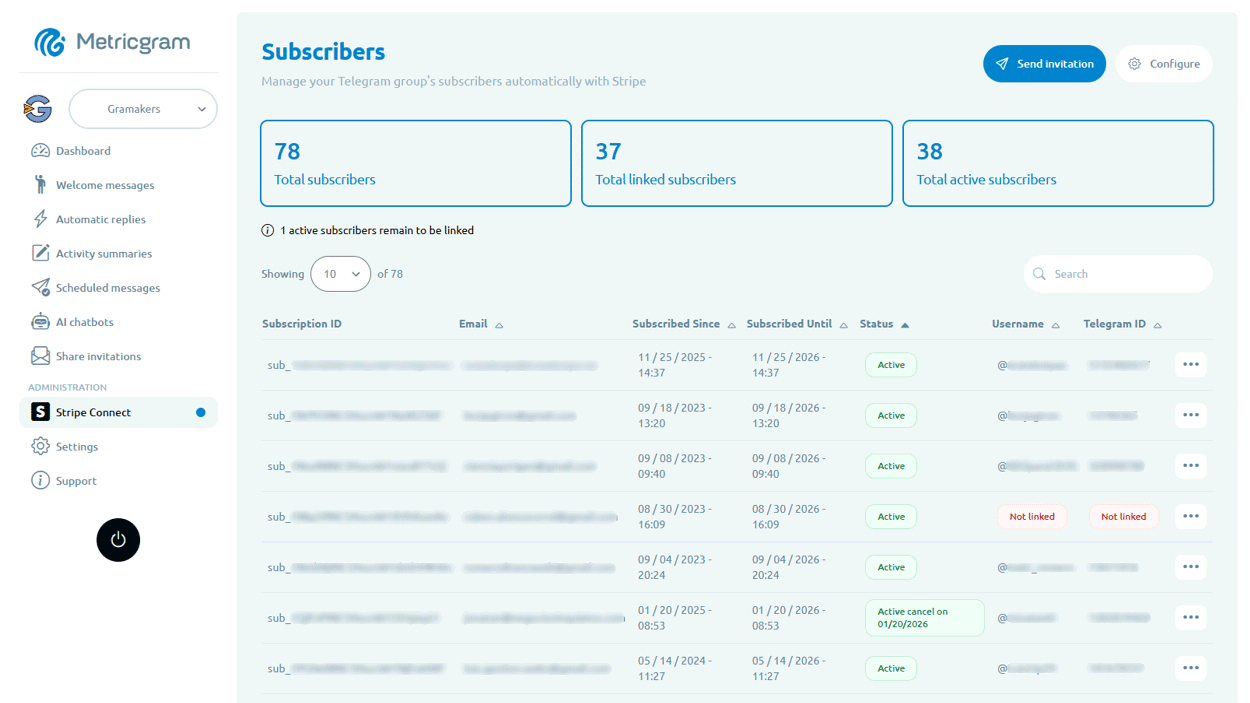
Live directory
Browse Metricgram's curated Telegram directory to find active communities by category and language, and see how leading groups position their listings.
Open directoryEducators Need More Than Course Delivery. They Need A Live Layer.
A lot of education businesses reach the same point:
- the curriculum is solid;
- students need faster answers;
- motivation drops between lessons;
- the course platform does not create enough interaction;
- the teacher ends up improvising support in scattered DMs.
That is usually when Telegram starts making sense.
And often, it is the right move.
Telegram is fast, mobile-first, and much better than email for ongoing conversation, reminders, and peer support.
Why Telegram Fits Educational Businesses So Well
Telegram is useful for educators because it supports both:
- broadcast communication;
- structured group discussion.
Telegram's official docs make that clear:
- channels can broadcast to unlimited subscribers;
- discussion groups can be linked to a channel so students can discuss posts;
- forums let you split a supergroup into multiple topics;
- admin rights are granular, which matters when you have TAs, moderators, or assistant instructors.
That is a strong fit for education.
You get a public or paid announcement layer, plus a living student room around it.
Ready to improve your Telegram group? Start your 14-day Metricgram trial.
Start free trialThe Best Use Cases For Educators
Telegram works best when it has a clear operational role.
Examples:
- a cohort group for students going through the same course;
- a private support room for enrolled learners;
- office hours reminders and follow-up;
- a discussion channel attached to lesson posts;
- a peer group for students to help each other;
- a paid alumni community after the course ends.
The key is that Telegram should make the learning experience better between lessons.
It should not become the lesson platform itself.
What Should Stay In The LMS
This is the boundary that matters most.
Your LMS or course platform should keep:
- curriculum delivery;
- lesson structure;
- assignments;
- quizzes and grading;
- certificates;
- long-form resource organization.
Telegram should handle:
- quick announcements;
- reminders;
- student discussion;
- peer support;
- office hour coordination;
- lightweight Q and A.
That separation keeps the business readable.
Where Educators Usually Go Wrong
Most education communities do not fail because Telegram is a bad tool.
They fail because the operating model is weak.
Common mistakes:
- putting every lesson, question, and answer into one giant chat;
- mixing prospects, current students, and alumni without boundaries;
- treating Telegram as a replacement for course delivery;
- not defining response expectations;
- relying on manual reminders and manual access cleanup;
- letting the group drift into off-topic noise.
A course is not a community by default.
It still needs a container.
Forums And Topics Matter A Lot
One of the strongest Telegram patterns for educators is a forum-style cohort group.
Telegram's official forum docs show that supergroups can be split into multiple topics.
That is useful because you can separate:
- lesson discussion;
- homework help;
- office hours;
- student wins;
- admin updates;
- alumni conversation.
That structure keeps the group usable as it grows.
Why Admin Rights Matter In Education
Education communities usually have more than one operator.
You may have:
- the lead educator;
- teaching assistants;
- community moderators;
- guest instructors.
Telegram's granular admin rights make that manageable.
You can assign the right people to:
- pin important posts;
- moderate spam;
- manage topics;
- restrict disruptive users;
- support the student experience without giving everyone the same power.
That matters when the group becomes part of a paid learning product.
Where Metricgram Fits
Metricgram becomes useful when the Telegram side of the education business starts needing real operations.
That includes:
- welcome flows for new students;
- automatic replies for repeated questions;
- scheduled messages for reminders and lesson rhythm;
- dashboard visibility into activity and engagement;
- daily reports so the teaching team does not have to monitor everything manually;
- Stripe Connect flows if access is tied to payment.
That lets the LMS do the learning platform work while Telegram handles the live layer around it.
What matters most
Telegram is a strong tool for educators when it is used as the live layer around a course, cohort, or training business.
It keeps students closer, support faster, and the learning experience more human.
But it should not replace the LMS.
Use the LMS for curriculum and structure.
Use Telegram for momentum, discussion, and community.
Ready to manage your Telegram group with Metricgram?
Automate tasks, track analytics, and grow your community with a 14-day free trial. No credit card required.
Start free trialGet weekly Telegram community tips
Join community managers who receive our best tips, guides, and product updates.
You may also like
Telegram MCP Server: Give AI Agents the Full Telegram Bot API, Safely
What a Telegram MCP server is, why wrapping the Telegram Bot API for AI agents is harder than it looks, and how Metricgram exposes 70+ Bot API methods as secure, group-scoped MCP tools.
How To Manage A Telegram Group With An AI Agent (Claude, ChatGPT, Cursor)
A practical guide to letting an AI agent post, moderate, manage topics and report on your Telegram group through MCP, with prompts you can copy and guardrails you should keep.