
Telegram Group vs Channel: Key Differences and When to Use Each
Not sure whether to use a Telegram group or channel? This guide explains the key differences, pros and cons of each, and how to choose the right one for your community.
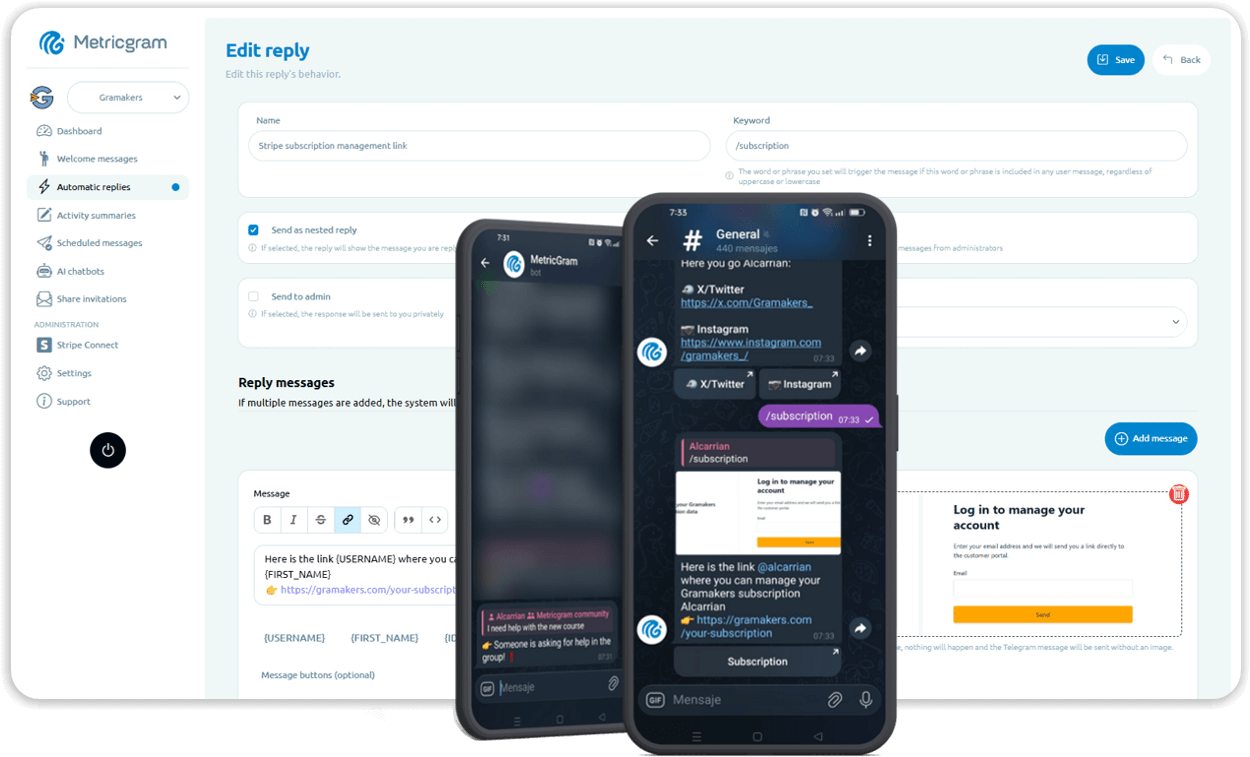
Live directory
Browse Metricgram's curated Telegram directory to find active communities by category and language, and see how leading groups position their listings.
Open directoryThe Question Every Telegram Community Builder Faces
You want to build a community on Telegram. You open the app, tap "New," and immediately hit a fork in the road: group or channel?
Pick wrong and you'll spend weeks building something that doesn't fit your actual needs. You'll either end up with a noisy group chat when you needed a broadcast tool, or a silent channel when you needed real conversation.
This guide breaks down the differences between Telegram groups and channels so you can make the right call from day one — or restructure what you already have.
What Is a Telegram Group?
A Telegram group is a shared space where multiple people can send messages, share media, and have conversations. Think of it as a group chat on steroids.
Key features of Telegram groups:
- Up to 200,000 members. That's not a typo. Telegram groups can hold two hundred thousand people in a single chat.
- Two-way communication. Every member can send messages, reply to others, share files, and react to posts. It's a conversation, not a broadcast.
- Admin and moderation tools. Admins can set permissions, mute members, delete messages, slow mode, and appoint moderators. You can restrict who can send media, links, or even text messages.
- Topics. For large groups, Telegram's Topics feature splits the main chat into organized threads — so crypto discussions don't drown out tech support questions.
- Pinned messages. Pin important messages so they don't get buried in the conversation flow.
- Bots. Groups support bots that can moderate, welcome new members, answer questions, run polls, and automate just about anything. If you want to see what's possible, check out the best AI chatbots for Telegram groups.
- Basic built-in stats. Groups with 500+ members get access to Telegram's native statistics — member counts, message volume, and basic activity graphs.
Groups are the backbone of Telegram communities. They're where the actual interaction happens — questions get asked, discussions unfold, relationships form.
For a deeper dive on running one effectively, read the full Telegram group management guide.
Ready to improve your Telegram group? Start your 14-day Metricgram trial.
Start free trialWhat Is a Telegram Channel?
A Telegram channel is a one-to-many broadcast tool. The owner (and appointed admins) publish content, and subscribers read it. That's the core model.
Key features of Telegram channels:
- Unlimited subscribers. There's no cap. Channels can have millions of subscribers.
- One-way communication by default. Only admins can post. Subscribers can react and comment (if enabled), but they can't start new threads or send messages to the channel directly.
- Post views counter. Every post shows how many people viewed it — a metric groups don't have.
- Silent notifications. Channels support silent messages so you can post without buzzing every subscriber's phone.
- Signatures. Admins can sign their posts so readers know who wrote what.
- Detailed channel statistics. Channels get richer analytics than groups — growth charts, per-post reach, notification settings breakdown, and follower sources.
- Public discoverability. Public channels with a username appear in Telegram search results. They're easier to find organically than groups.
- Linked discussion group. Channels can link to a group where subscribers discuss the channel's posts. This is where things get interesting (more on that later).
Channels work like a blog, newsletter, or social media feed — but inside Telegram. You publish, your audience consumes.
Side-by-Side Comparison
Here's a direct comparison of the features that matter most:
| Feature | Group | Channel |
|---|---|---|
| Member limit | 200,000 | Unlimited |
| Who can post | All members (configurable) | Admins only |
| Communication | Two-way conversation | One-way broadcast |
| Replies and threads | Full threading and replies | Comments on posts (optional) |
| View count | Not available | Shown on every post |
| Built-in analytics | Basic (500+ members) | Detailed (per-post metrics) |
| Member list visible | Yes (to admins, partially to members) | No — subscribers are anonymous |
| Topics / sub-threads | Yes | No |
| Bot support | Full bot integration | Limited (post-only bots) |
| Content discovery | Harder to find organically | Easier via Telegram search |
| Join approval | Optional (invite link or request) | Open (anyone can subscribe) |
| Subscriber privacy | Members can see each other | Subscribers are hidden |
| Best for | Discussion, support, networking | Broadcasting, content, announcements |
The fundamental difference is simple: groups are for conversation, channels are for content.
When to Use a Telegram Group
Choose a group when your primary goal involves interaction between members. Specifically:
Community building. If you want members to talk to each other instead of only listen to you, a group is the only option. Crypto communities, hobby groups, local meetups, professional networks, mastermind groups. Anywhere people need to exchange ideas, ask questions, and build relationships.
Customer support. Groups let customers ask questions and get answers from you, your team, or even other customers. The public nature of the conversation means one good answer helps everyone who reads it later.
Team collaboration. Internal teams, project groups, or volunteer organizations that need a shared space for coordination. Topics keep things organized when conversations branch out.
Paid communities. If you're monetizing a community, groups give you the interactive experience that justifies a subscription. Nobody pays monthly for a read-only feed — they pay for access to other people and direct engagement.
Learning and education. Cohort-based courses, study groups, coaching circles. Anywhere the learning happens through discussion instead of consumption alone.
If engagement and interaction are core to your value proposition, use a group. And if you want to understand whether that engagement is actually happening, tracking your group analytics is essential.
When to Use a Telegram Channel
Choose a channel when your primary goal is distributing content to an audience. Specifically:
News and updates. If you publish regular content — market updates, product releases, industry news — a channel keeps the signal clean. No off-topic replies diluting your message.
Content distribution. Bloggers, writers, educators, and creators who want a direct-to-audience publishing channel without social media algorithms deciding who sees their work.
Brand announcements. Companies that need a one-way communication line with their audience. Product launches, feature updates, event announcements.
Curated content. If you curate links, resources, or recommendations for a specific niche, a channel is the perfect format. Post the resource, add your commentary, done.
Large audiences where discussion isn't the point. If you have 50,000 followers who just want your takes or updates, a group chat with 50,000 people would be chaos. A channel scales cleanly.
The rule is straightforward: if you're building an audience that primarily consumes what you create, use a channel.
Using Both Together: The Channel + Discussion Group Strategy
Here's what experienced Telegram community builders do: they use both.
Telegram lets you link a discussion group to a channel. When you publish a post in the channel, it automatically appears in the linked group as a discussion thread. Subscribers can comment on the post inside the group without cluttering the channel itself.
Why this works so well:
- Clean content feed. Your channel stays focused — just your posts, no noise. People can scroll through your content without wading through 200 replies.
- Discussion where it belongs. Members who want to talk about a post can do so in the linked group. Those who don't want the conversation can just follow the channel.
- Different engagement levels. Some people are passive consumers (channel-only). Others want to participate (channel + group). Both audiences are served.
- Better content discovery. Channels are easier to find via search. Once someone discovers your channel, they can choose to join the discussion group too.
How to set it up:
- Create your channel.
- Create a separate group.
- In the channel settings, go to "Discussion" and link your group.
- Every new channel post will now have a "Comments" button that opens the discussion in the linked group.
Pro tip: Use a bot in your discussion group to handle moderation, welcome new members from the channel, and track engagement. Tools like Metricgram's dashboard give you analytics across your group so you can see which channel posts drive the most discussion.
This dual setup is the standard for serious Telegram communities. You get the broadcast power of a channel and the engagement of a group, without the downsides of either one alone.
Can You Convert a Group to a Channel (or Vice Versa)?
No. Telegram does not support converting a group into a channel or a channel into a group. They are fundamentally different structures in Telegram's architecture.
If you started with the wrong format, here's what you can do:
Migrating from a group to a channel:
- Create the new channel.
- Announce the move in your existing group — explain why and pin the message.
- Post consistently in the new channel so members see the value.
- Keep the group open for a transition period, then either archive it or repurpose it as the channel's discussion group.
Migrating from a channel to a group:
- Create the new group.
- Link it to your channel as a discussion group first — this funnels your existing audience into the group naturally.
- Once the group has enough traction, you can decide whether to keep the channel as a content feed or phase it out.
The hard truth: You will lose people in any migration. Not everyone will follow you to the new format. Accept a 30-50% drop and focus on building up the new space. The members who do follow you are the ones who actually care.
Real-World Examples
Crypto project: Runs a channel for official announcements, market updates, and partnership news. Links a discussion group where community members discuss price action, ask questions about the protocol, and share strategies. Moderators keep the group on-topic while the channel stays clean and authoritative.
Online course creator: Uses a channel to publish lessons, resources, and weekly summaries. Links a group where students discuss assignments, share progress, and help each other. The channel is the curriculum; the group is the classroom.
SaaS company: Maintains a channel for product updates, changelog entries, and feature announcements. Links a group for customer support, feature requests, and community discussion. Support team monitors the group; the channel is their official voice.
News aggregator: Runs a curated channel posting 5-10 links per day with brief commentary. No discussion group — the audience just wants the curation, not the conversation. Simple, clean, scalable.
Local community organizer: Uses a group (not a channel) because the entire point is members coordinating events, sharing recommendations, and talking to each other. A channel would kill the community dynamic.
Notice the pattern: the format follows the function. Start with what your audience needs, then pick the tool that delivers it.
What matters most
Telegram groups and channels solve different problems. Groups are for two-way conversation. Channels are for one-way content. The best communities often use both, linked together.
If you're building a community where members interact, ask questions, share ideas, and engage with each other — you need a group. And once that group grows past a handful of people, you need tools to manage it properly.
Track your engagement, automate moderation, welcome new members, and understand what's actually happening in your community. Manage your Telegram group with Metricgram and turn raw activity into actionable insights.
Ready to manage your Telegram group with Metricgram?
Automate tasks, track analytics, and grow your community with a 14-day free trial. No credit card required.
Start free trialGet weekly Telegram community tips
Join community managers who receive our best tips, guides, and product updates.
You may also like
Telegram For Podcasters: How To Build Listener Community, Paid Access, And Launch Momentum Beyond The RSS Feed
Podcasts are great for trust and habit, but weak for direct listener interaction. This guide explains how podcasters can use Telegram for launch rooms, paid communities, and listener retention without confusing it with podcast hosting.
Telegram For Freelancers: How To Use It For Clients, Leads, And Community Without Creating More Admin Work
Telegram can be useful for freelancers, but only if it has a clear job. This guide explains when to use Telegram for client communication, lead nurturing, paid communities, and peer groups without turning it into operational clutter.