
Telegram Channel vs Group for OnlyFans Creators
Compare Telegram channels and groups for OnlyFans creators. Learn which setup fits fan updates, private communities, S4S networking, moderation, and retention.
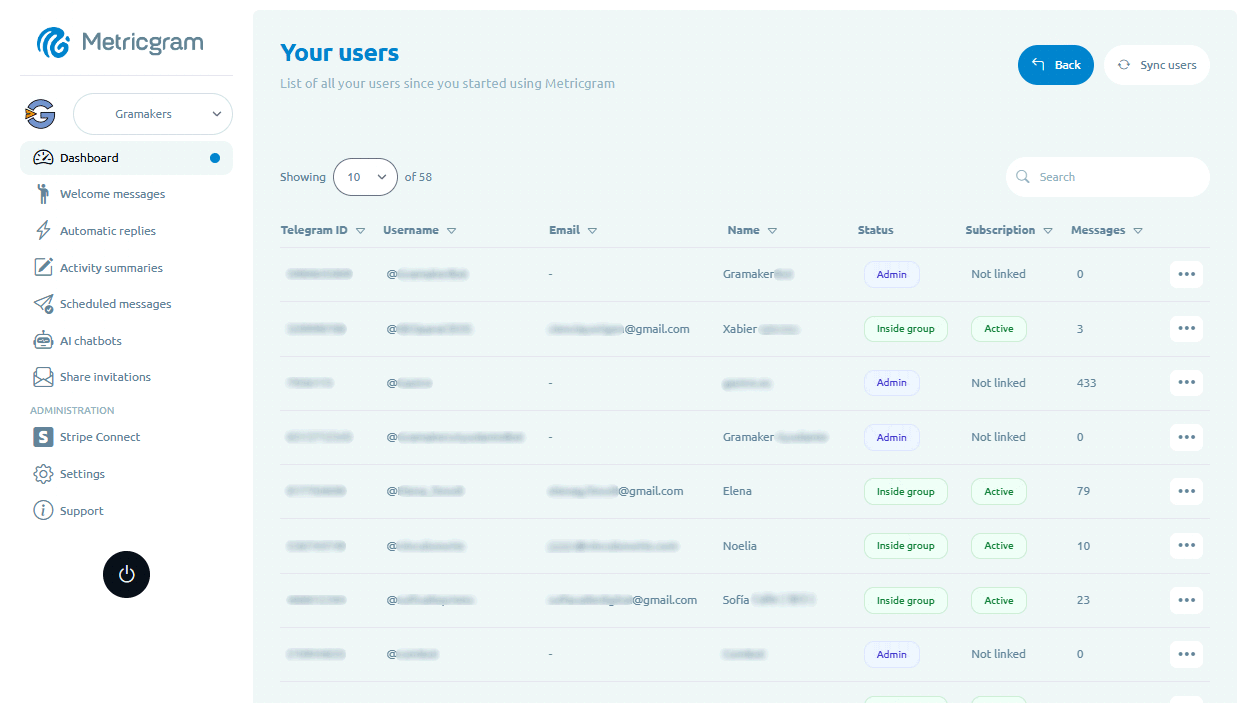
For OnlyFans creators, Telegram can be a useful bridge between public discovery and a closer fan relationship. The big setup question is simple: should you use a Telegram channel, a Telegram group, or both?
The answer depends on your workload, fan volume, privacy needs, and how much conversation you actually want to manage.
Metricgram is not affiliated with OnlyFans. This article focuses on Telegram community operations, not payment or adult-content distribution.
Live directory
Browse Metricgram's curated Telegram directory to find active communities by category and language, and see how leading groups position their listings.
Open directoryThe short answer
Most creators should start with a channel.
A channel is a one-way broadcast feed. You post; fans follow. That makes it easier to share updates, teasers, reminders, official links, and announcements without opening the door to constant fan conversation.
Add a group later if you have a clear reason for discussion and a moderation plan.
When a Telegram channel is the right choice
A channel works best when your goal is reach and consistency.
Use a channel for:
- official updates;
- content schedule reminders;
- promo announcements;
- sale or campaign reminders;
- link-in-bio traffic;
- free fan retention;
- directing fans to compliant paid platforms.
Channels are easier to run because fans cannot derail the feed. You can schedule posts in advance, keep the official links visible, and make every update feel intentional.
With Metricgram scheduled messages, a channel can run on a weekly calendar instead of last-minute posting.
Ready to improve your Telegram group? Start your 14-day Metricgram trial.
Start free trialWhen a Telegram group makes sense
A group is a conversation space. Fans can reply, ask questions, react to each other, and create community energy.
Use a group when:
- you want polls, feedback, and discussion;
- you have time to moderate;
- you have rules and boundaries;
- you want fan challenges or gamification;
- you are running a non-adult VIP community or another payment-compliant offer;
- you have an operator or agency helping manage the room.
Groups can be powerful, but they create work. A quiet group looks abandoned. A chaotic group damages trust. A successful group needs onboarding, rules, moderation, and a posting rhythm.
The hybrid setup
Many creators eventually use both:
- a channel for polished official updates;
- a group for conversation, feedback, and community;
- a bot or automation layer for repeated questions;
- separate invite links for each traffic source.
This lets you keep the broadcast layer clean while still giving your most engaged fans somewhere to interact.
What to avoid
Avoid building around leaks, reposted content, impersonator directories, or unclear payment promises. These attract the wrong audience and create long-term risk.
Also avoid opening a public fan group with no boundaries. If fans expect 24/7 replies, your Telegram community can quickly become another inbox instead of a retention asset.
A decision table
| Need | Best fit |
|---|---|
| Official announcements | Channel |
| Regular content reminders | Channel |
| Fan discussion | Group |
| Polls and feedback | Group |
| S4S networking with other creators | Separate creator networking groups |
| VIP access | Private group or channel, only with compliant payment and platform rules |
| Low maintenance | Channel |
| Strong community feel | Group |
How Metricgram supports both
Metricgram can help with either setup:
- welcome messages for onboarding new members;
- automatic replies for repeated questions;
- scheduled messages for consistent updates;
- invite tracking for source attribution;
- Creator Fan CRM for fan and campaign visibility;
- dashboard analytics for engagement patterns.
Start with the simplest structure you can run well. For most creators, that means a channel first, then a group only when the community is active enough to justify the extra work.
Ready to manage your Telegram group with Metricgram?
Automate tasks, track analytics, and grow your community with a 14-day free trial. No credit card required.
Start free trialGet weekly Telegram community tips
Join community managers who receive our best tips, guides, and product updates.
You may also like
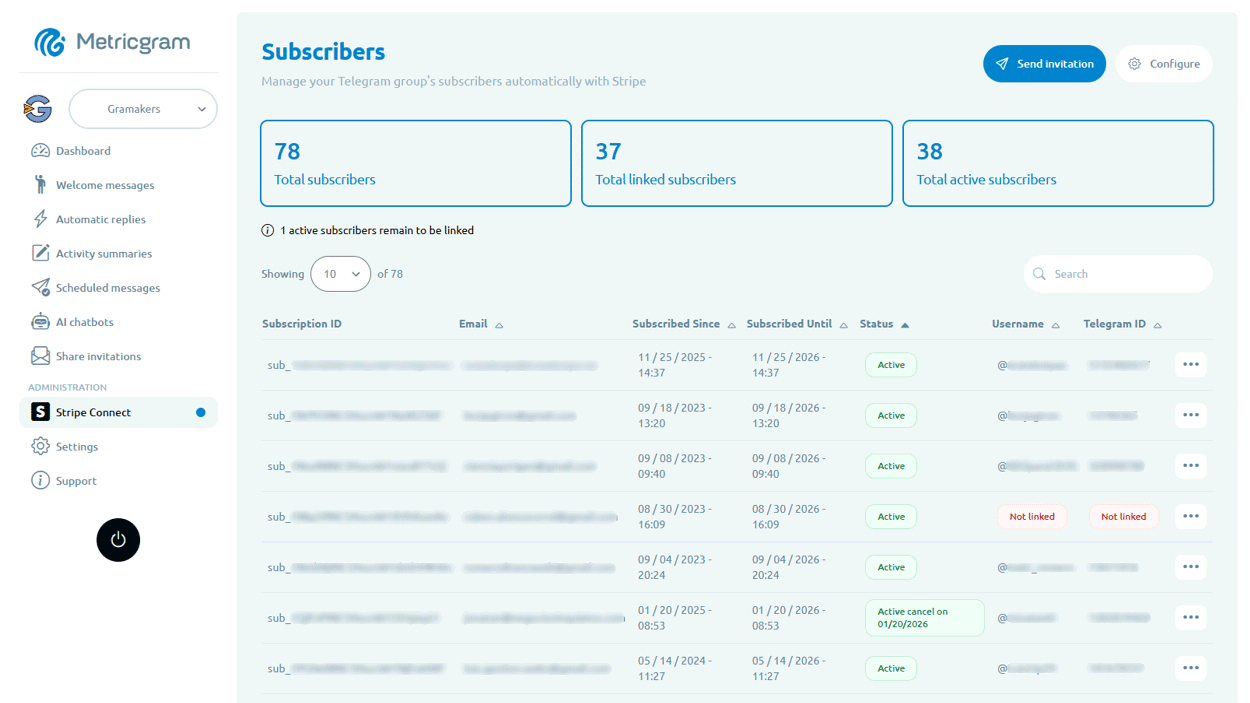
Telegram For Educators: How To Run Cohorts, Student Communities, And Office Hours Without Replacing Your LMS
Telegram is a strong fit for educators when it is used as the live layer around a course or training business. This guide explains how to use it for cohorts, student communities, office hours, and support without turning it into a substitute for your LMS.
Telegram MCP Server: Give AI Agents the Full Telegram Bot API, Safely
What a Telegram MCP server is, why wrapping the Telegram Bot API for AI agents is harder than it looks, and how Metricgram exposes 70+ Bot API methods as secure, group-scoped MCP tools.