
Telegram Group Onboarding: How to Welcome New Members the Right Way
First impressions determine whether new members stay or leave. Learn how to create an onboarding experience that turns joiners into active participants in your Telegram community.
Live directory
Browse Metricgram's curated Telegram directory to find active communities by category and language, and see how leading groups position their listings.
Open directoryThe 5-Minute Window That Decides Everything
Someone just joined your Telegram group. Right now, in the next 300 seconds, they will decide whether to stay or leave. Not tomorrow. Not next week. Right now.
Research on online communities consistently shows that 40-60% of new members who leave do so within the first 24 hours. Most of those departures happen in the first few minutes. The member opens the group, sees a wall of unfamiliar conversation (or worse, total silence), and taps the back button. Gone forever.
This is the onboarding problem. And it costs group admins more members than spam, trolls, or bad content combined.
The math is brutal. If your group gets 100 new members per month and your first-day retention rate is 50%, you're losing 50 people who were interested enough to click a join link. Improve that retention to 75% and you've added 25 extra active members per month without spending a single extra minute on promotion.
Onboarding gives community managers the highest return on admin effort. And yet, most admins who create a Telegram group never think about it.
What New Members Are Thinking When They Join
To design a good onboarding experience, you need to understand the psychology of someone who just joined a Telegram group. They're not thinking "this is great." They're anxious. They have questions, and they need answers fast.
"What is this group actually about?" The name might have been clear in the invite link, but now they're inside and they need confirmation. Is this a crypto trading group? A language learning community? A customer support channel? The group description helps, but most people don't read it.
"Am I in the right place?" Related but different. They know what the group is, but is it the right fit for them? Are these people at their level? Is the conversation relevant to their specific needs?
"What do I do now?" This is the big one. Do I introduce myself? Do I just lurk? Is there a specific channel for beginners? Can I ask questions, or will I look stupid?
"Who runs this?" They want to know there's a real human behind the group. An admin who cares. Not an abandoned channel that nobody moderates.
If your onboarding answers these four questions within the first minute, your retention rate will jump. If it doesn't answer any of them, you'll keep losing people.
Ready to improve your Telegram group? Start your 14-day Metricgram trial.
Start free trialThe Perfect Welcome Message
A good Telegram group welcome message does five things in under 200 words:
- Confirms the group's purpose (so they know they're in the right place)
- Sets expectations (what happens here, how often)
- Gives one clear action (introduce yourself, read the pinned post, check out a resource)
- Shares the rules (briefly, with a link to the full version)
- Makes them feel welcome (obvious, but often forgotten)
Here's what this looks like in practice:
Welcome to [Group Name], {user}!

This is a community of [who your members are] focused on [what you do/discuss].

Here's how to get started:
- Read our pinned message for group rules and resources
- Introduce yourself: what's your name and what brings you here?
- Ask questions anytime. There are no stupid questions here

We post [daily discussions/weekly challenges/regular updates] and the community is most active [time zone info].

Glad to have you here!
Notice what this message does NOT do: it doesn't dump a 500-word essay on the new member. It doesn't list 15 rules. It doesn't include 8 links. The goal is orientation, not information overload.
The single most important element is the call to action. Asking new members to introduce themselves is powerful because it breaks the psychological barrier of posting for the first time. Once someone has sent one message, they're 3-4x more likely to send a second.
Automated vs Manual Onboarding
You have two approaches, and the best groups use both.
Automated Welcome Messages
Pros:
- Instant: fires the moment someone joins, even at 3 AM
- Consistent: every member gets the same quality experience
- Scalable: works whether you get 5 or 500 new members per day
- Trackable: you can measure delivery and response rates
Cons:
- Feels impersonal if poorly written
- Can't adapt to context (busy day vs quiet day)
- Members may ignore automated messages
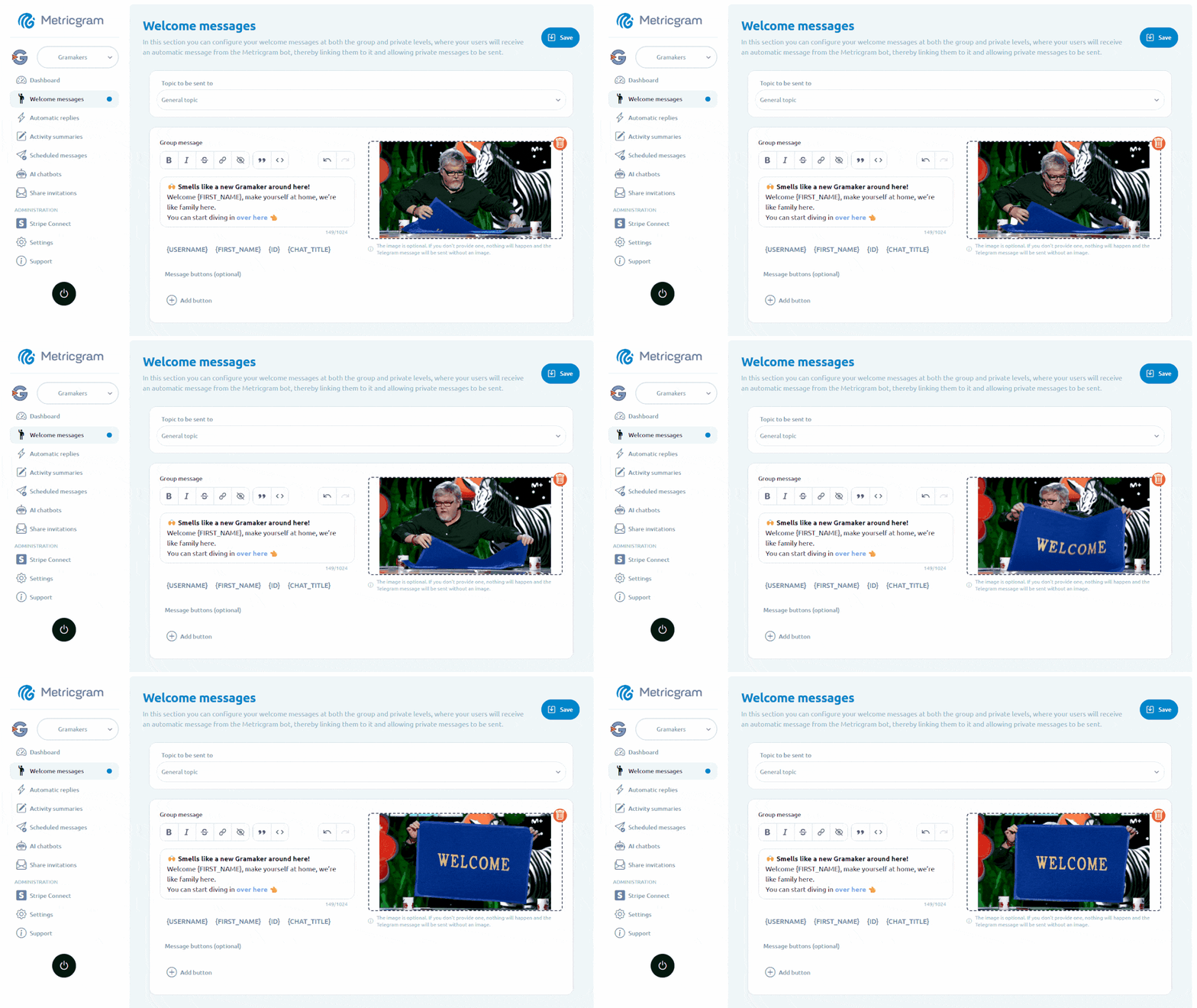
Telegram's August 25, 2026 update added native welcome messages for groups and channels. They appear only to the new member, can include multiple messages or media, and support rich formatting. They do not require a bot, making them a simple option for a basic first message.
For more customized automation, tools like Metricgram's welcome feature let you set up messages that trigger automatically when new members join. You can personalize them with the member's name, include media, and tailor the message to your group's personality.
Manual Admin Greetings
Pros:
- Feels genuinely personal
- Can reference current conversations ("we were just discussing X")
- Builds a direct relationship between admin and member
- Much harder to ignore
Cons:
- Doesn't scale past a certain group size
- Relies on admin availability
- Inconsistent quality and timing
The Winning Combination
The best onboarding uses automated messages for the foundation and manual touches for the personal layer. Here's how that looks:
- Automated welcome message fires immediately when someone joins
- Admin or moderator follows up within 1-2 hours with a personal note
- Pinned post provides detailed orientation for anyone who needs it
This approach gives you instant coverage (no member goes ungreeted) plus the human touch that builds real connection. If your group is small enough, you can skip the automation and go fully manual. But once you're past 50-100 new members per week, automation becomes essential.
Advanced Onboarding Strategies
Once you've nailed the basics, these strategies separate good onboarding from great onboarding.
Verification and Captcha
Spam bots are a real problem in Telegram groups. Adding a simple verification step (answer a question, tap a button, solve a basic captcha) before new members can post accomplishes two things: it blocks bots, and it creates a small commitment action that actually increases retention. People value what they had to work slightly to access.
The key word is "slightly." If your verification is too complex or annoying, real humans will bail. A single button tap or a simple question about the group topic is enough. For more on setting clear expectations, see our Telegram group rules templates.
Introduction Threads
Designate a specific topic or time for introductions. Some groups run a weekly "New Member Monday" thread. Others create a separate topic (if using Telegram's Topics feature) dedicated to introductions.
The structure matters. Don't just say "introduce yourself." Give a template:
Hey everyone! I'm [name] from [location].
I joined because [reason].
I'm most interested in [specific topic].
One thing I'd love to learn here: [question].
Templates reduce friction. People don't have to figure out what to say. They just fill in the blanks. And the "one thing I'd love to learn" prompt gives existing members a natural way to respond and start a conversation.
New Member Challenges
Give new members a task to complete in their first week. This works exceptionally well in educational or professional groups:
- Day 1: Introduce yourself and read the pinned resources
- Day 3: Answer a discussion question or share one insight
- Day 7: Help another member with a question
Each step deepens their investment in the community. By day 7, they've contributed value to someone else, which creates a stronger bond with the group. Pair this with gamification and engagement strategies to keep that momentum going past week one.
Role Assignment
If your group has specific sub-topics or skill levels, assign roles early. This can be as simple as asking in the welcome message: "What's your experience level? Reply with Beginner, Intermediate, or Advanced." Then tag them accordingly.
Roles give members identity within the group. A "Beginner" tag tells other members to be patient and helpful. An "Advanced" tag signals someone who can answer questions. Both feel like they belong.
Mentorship Pairing
For premium or paid communities, consider pairing new members with experienced ones. Even an informal "if you have questions, message @ExperiencedMember" creates a safety net that reduces the fear of looking stupid in public.
This doesn't scale well, but for groups under 500 members, it's a retention multiplier.
Welcome Message Templates by Group Type
Not all groups are the same. Here are ready-to-use templates adapted to different community types.
Professional / Business Group
Welcome to [Group Name], {user}!

We're a community of [industry] professionals sharing insights, job opportunities, and industry updates.

Quick start:
- Introduce yourself: role, company, and what you're working on
- Check the pinned post for our resource library
- Share freely, promote sparingly (self-promo only on Fridays)

Questions? Tag any admin. Welcome aboard.
Casual / Hobby Group
Hey {user}, welcome!

This is where [hobby] enthusiasts hang out. We share tips, wins, fails, and everything in between.

Jump right in:
- Tell us: what got you into [hobby]?
- Browse recent messages for the current vibe
- No judgment here. Beginners and experts all welcome

Have fun!
Educational / Course Group
Welcome {user}!

This group supports your learning journey through [course/topic]. Here's your onboarding checklist:

1. Read the pinned syllabus/schedule
2. Introduce yourself and share your learning goals
3. Ask questions in the main chat. Our instructors check in daily

Pro tip: The search function is your friend. Your question may already have been answered.

Let's learn together!
Paid / Premium Community
Welcome to [Group Name], {user}! Glad to have you as a member.

As a subscriber, here's what you get:
- [Benefit 1]
- [Benefit 2]
- [Benefit 3]

Start here:
1. Check the pinned post for the member guide
2. Introduce yourself. We love knowing who's in the room
3. DM @Admin if you need anything at all

Your first week tip: [specific actionable advice relevant to the group].
Support / Customer Group
Hi {user}, welcome to [Product] Support!

Before posting your question:
1. Search the chat. It may already be answered
2. Check our FAQ: [link]
3. Include your [platform/version/plan] when asking for help

Our support team responds within [timeframe]. Community members often help faster.

We're here for you!
Feel free to adapt these to match your group's voice. The structure matters more than the exact words. Make sure every template answers the four questions from earlier: What is this? Am I in the right place? What do I do? Who runs this?
Measuring Onboarding Success
If you're not measuring it, you're guessing. Here are the three metrics that tell you whether your onboarding is working.
7-Day Retention Rate
What it is: The percentage of new members who are still in the group 7 days after joining.
Why it matters: This is the single most important onboarding metric. A healthy group should aim for 60-80% 7-day retention. Below 50% means your onboarding has serious problems. Above 80% means you're doing something right.
How to track it: Record new members each week, then check how many are still present the following week. Telegram group analytics tools can automate this tracking for you.
First Message Rate
What it is: The percentage of new members who send at least one message within their first 7 days.
Why it matters: A member who never posts is a member who will eventually leave. The first message is the strongest predictor of long-term retention. Aim for 30-50% of new members sending at least one message in week one.
How to improve it: This is where your welcome message call-to-action matters most. Ask them to introduce themselves. Ask a direct question. Give them a reason to type something.
Time to First Message
What it is: The average time between a member joining and sending their first message.
Why it matters: Shorter is better. If new members take 3-4 days to post their first message, your onboarding isn't creating enough urgency or comfort. If they post within hours, your welcome experience is working.
The benchmark: In well-onboarded groups, 50%+ of first messages happen within the first 24 hours. If yours is longer, revisit your welcome message and make the call-to-action more compelling.
Tracking these metrics manually is tedious but possible. If you want to automate your Telegram group analytics, tools like Metricgram can track member activity, retention, and engagement patterns automatically, so you can focus on improving the experience instead of counting spreadsheet rows.
The Onboarding Checklist
Before you close this tab, here's your action list:
- Write a welcome message that answers the four key questions (use the templates above)
- Set up automation so every member gets greeted instantly, day or night
- Create a pinned post with detailed orientation (rules, resources, FAQ)
- Add a call-to-action that encourages new members to introduce themselves
- Measure your 7-day retention rate starting this week
- Review and iterate monthly. Small tweaks compound over time
Onboarding isn't a set-it-and-forget-it task. The best community managers treat it as an ongoing experiment. Test different welcome messages. Try new introduction formats. Track what works and drop what doesn't.
Your group's front door is either inviting people in or pushing them away. Make sure it's doing the right one.
Metricgram helps you set up personalized welcome messages, track member retention, and manage onboarding without manual follow-up. Start your 14-day free trial.
Ready to manage your Telegram group with Metricgram?
Automate tasks, track analytics, and grow your community with a 14-day free trial. No credit card required.
Start free trialGet weekly Telegram community tips
Join community managers who receive our best tips, guides, and product updates.
You may also like
Telegram For Educators: How To Run Cohorts, Student Communities, And Office Hours Without Replacing Your LMS
Telegram is a strong fit for educators when it is used as the live layer around a course or training business. This guide explains how to use it for cohorts, student communities, office hours, and support without turning it into a substitute for your LMS.
Telegram MCP Server: Give AI Agents the Full Telegram Bot API, Safely
What a Telegram MCP server is, why wrapping the Telegram Bot API for AI agents is harder than it looks, and how Metricgram exposes 70+ Bot API methods as secure, group-scoped MCP tools.